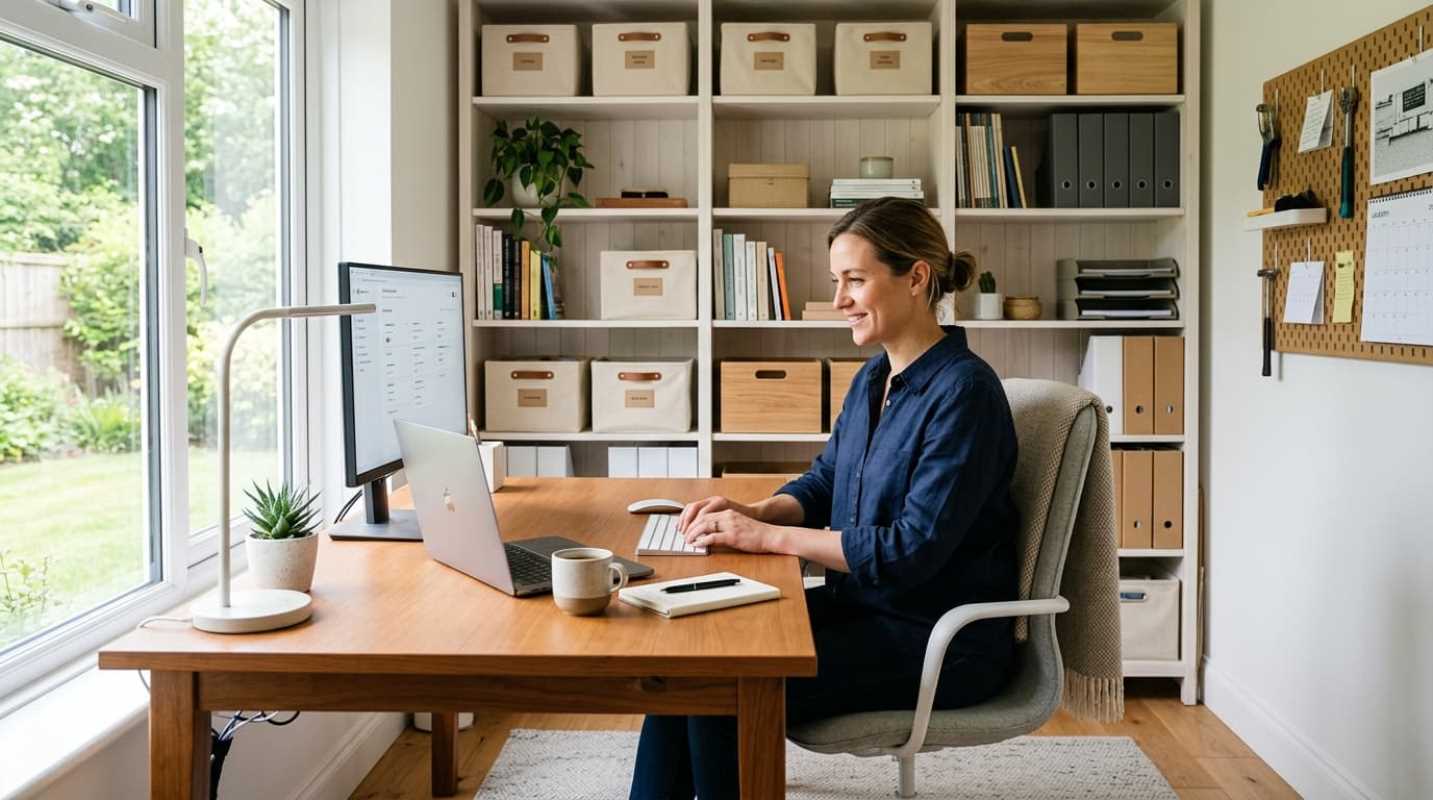
Have you ever sat down at your desk on a Monday morning and felt exhausted before you even opened an email? You look around, and there is a tangled nest of power cords, three empty coffee mugs, and a stack of mail staring you down. It is hard to do good work when your setup feels like an obstacle course.
Roughly 51 million wage-and-salary workers regularly do their jobs from home today.¹ Yet, many of us still treat our spaces like temporary setups. That makeshift dining room arrangement might have worked in a pinch, but poorly planned desks take a real physical toll over time. In fact, research shows an 80.8% prevalence of work-related musculoskeletal discomfort among desk workers, dominated by neck strain and lower back pain.²
Fixing your home office does not require remodeling your entire house. You just need a setup that cooperates with your body and your workflow instead of fighting them. Here is how you can turn your desk into a space where you actually enjoy spending your working hours.
The Foundation and Desk Setup Principles
When you spend six to eight hours a day sitting at a workstation, comfort is everything. Getting your physical geometry dialed in keeps your head clear and saves you from chronic soreness.
• Monitor height: Position the top third of your display at or slightly below eye level. It should sit about arm's length away, roughly 20 to 28 inches from your face. If you tilt your head down all day, your neck muscles bear the weight of a bowling ball. Gas-spring monitor arms work exceptionally well here because they clamp to the desk, free up surface area, and let you tweak screen height on the fly.
• Chair support: Your chair needs to actively support the curve of your lower spine. Adjust the height so your feet rest flat on the floor, and your knees bend at 90 degrees. When your feet dangle, or your shoulders hunch, your back takes the brunt of that tension.
• Reach zones: Think of your desk as concentric rings. Keep your keyboard and mouse in your primary zone, which is the 10-to-14-inch radius you can reach without moving your elbows. Put notepads, water bottles, and your phone in your secondary zone within arm's reach. Anything you only touch occasionally belongs in the tertiary zone on a shelf or side cart.
Movement matters just as much as posture. Dr. Alan Hedge at Cornell University developed the 20-8-2 routine to prevent both the hazards of sitting all day and the fatigue of static standing.³ The pattern is simple: sit for 20 minutes in good posture, stand for 8 minutes at an active desk, and move or stretch for 2 minutes. Standing all day creates its own set of back strains, so keeping your position varied is the real answer.
Taming the Chaos with Cable Management and Paperwork Solutions
Cords and loose papers are the two biggest clutter culprits in any room. When wires snake across your floor, they create visual noise that quietly drains your focus.
Start by getting your cables completely off the floor. A steel wire basket or raceway mounted under your desk holds your power strips, charging bricks, and excess cord lengths. If you work from a laptop, invest in a single Thunderbolt or USB-C docking hub. Running just one cord to your computer to power your monitors, webcam, and accessories makes your entire desk look instantly cleaner.
Physical documents need a strict rule: touch it once. When a piece of mail or paperwork lands in your office, process it right away.
• File it: Place tax forms and legal papers straight into labeled folders.
• Digitize it: Snap a scan using your phone, save it to secure cloud storage, and recycle the physical sheet.
• Shred it: Destroy sensitive financial mail immediately rather than letting it sit in a pile.
Paper piles multiply quickly if you ignore them. Shifting to digital storage keeps your desk clear and makes finding old receipts ten times faster.
Aware Design Choices That Improve Focus and Productivity
Your physical surroundings change how your brain operates. If your office feels like a dim cubicle, your energy will crash right after lunch.
Lighting deserves serious attention. Glare gives you eye fatigue, while bad lighting disrupts your daily rhythm. A monitor light bar mounted directly on top of your screen illuminates your paperwork without creating glare on your display. During morning and midday hours, cool white light between 4,000K and 6,000K stimulates alertness. Toward the end of the day, switch your ambient lights to warmer tones under 3,000K so your brain recognizes that it is time to wind down.
Bring living plants into the room as well. Adding low-maintenance greenery like snake plants, ZZ plants, or pothos adds active color and softens all the plastic and glass on your desk. Natural materials like walnut desk shelves, wool-felt desk pads, and leafy greenery lower stress and can boost your overall output by up to 15 percent.
Clear physical boundaries make a big difference, too. If your desk sits in your living room or bedroom, mark where work ends and home begins. A simple room divider, an area rug, or a tall bookshelf can draw that line. When you step outside that perimeter at the end of the day, you give your brain permission to clock out.
Here are several smart tools and ergonomic accessories to help you build a clean, productive workspace.
Optimizing for Flow with Tech Integration and Smart Storage
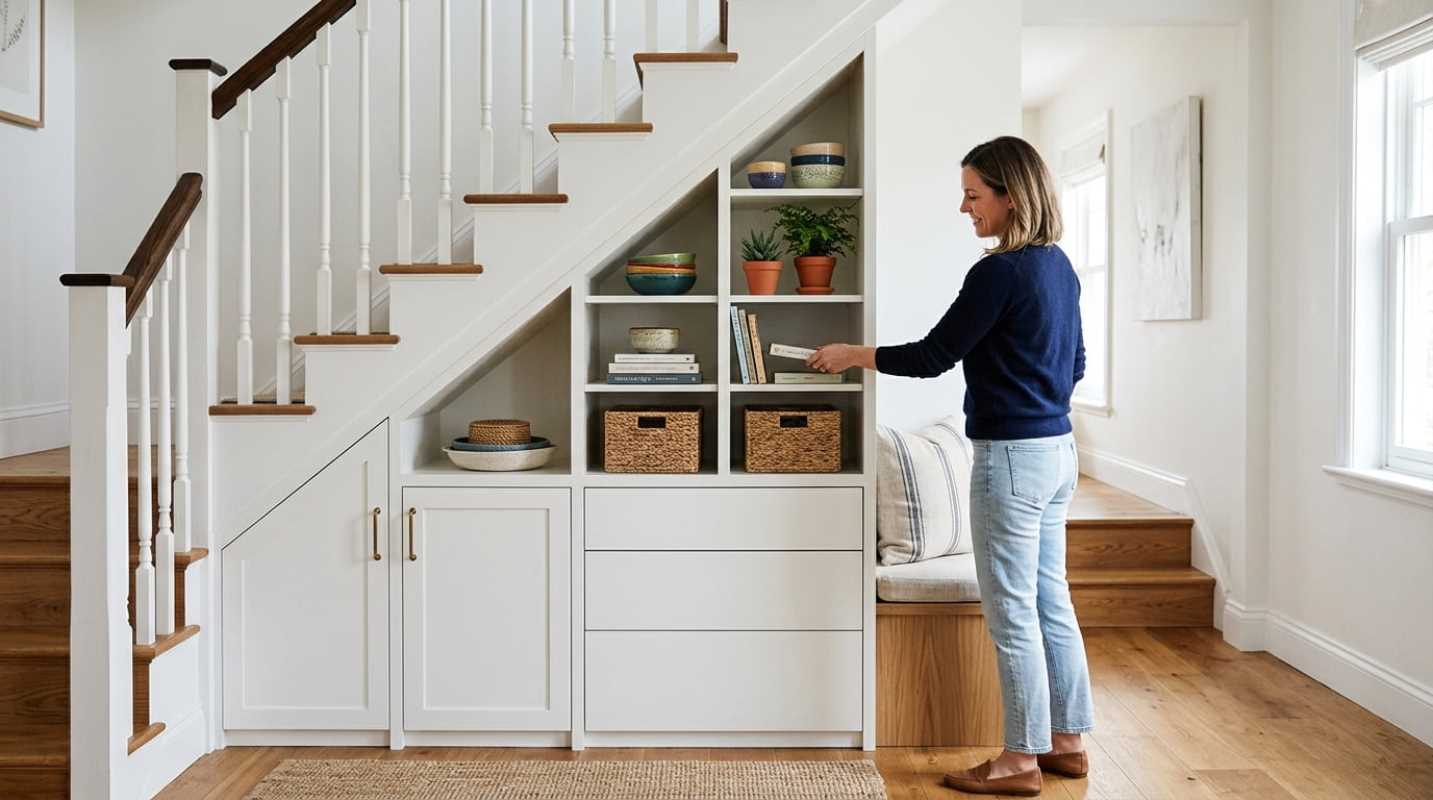
If you work in a tight room, sprawling storage furniture is out of the question. You have to build upward.
Vertical storage lets you reclaim your desk real estate. Wall-mounted shelves and pegboards keep your headphones, extra chargers, and notebooks accessible without eating up valuable surface space. A tiered desk shelf gives you two levels of utility. It lifts your screen to proper eye level while creating an open pocket underneath where you can tuck your keyboard and notebook away.
Look for furniture that pulls double duty. A low credenza can hold your printer on top while storing office supplies in drawers below. Sit-stand desks with built-in slim drawers give you storage without bulky filing cabinets.
Manage your acoustic environment as well. Household noises like laundry, street traffic, or family members talking will shatter deep focus. A pair of comfortable noise-canceling headphones or a compact white noise machine helps you stay dialed in during demanding tasks.
Maintaining the System with Habits for Long-Term Organization
Even the most beautiful setup can slide back into chaos within a couple of weeks if you do not maintain it. Long-term organization relies on tiny, friction-free routines.
Commit to a five-minute reset at the end of every workday. Return coffee mugs to the kitchen, slide your keyboard under the monitor riser, toss scrap paper, and wipe down your desk. When you walk into a clean space the next morning, you can start working right away without cleaning up yesterday's mess first.
Pair that physical reset with a digital cleanup. Clear off your desktop screen, empty your downloads folder, and close those dozens of open browser tabs at the end of each week. Screen clutter creates just as much mental fatigue as a messy desk.
Building an organized home office is an ongoing process of refining what works for you. Start with solid ergonomic adjustments, hide the cable clutter, and protect your workspace with simple daily habits. When your desk supports your body and your routine, staying productive feels almost natural.
Sources:
1. Small Space Logic Addresses Small Home Office Ergonomics as BLS Data Confirms Millions Still Work from Home
https://www.barchart.com/press-releases/5104776/small-space-logic-addresses-small-home-office-ergonomics-as-bls-data-confirms-millions-still-work-from-home
2. Workplace Ergonomics Statistics: Health and Productivity
https://speakwiseapp.com/blog/workplace-ergonomics-statistics
3. CUergo Sit-Stand Programs
https://ergo.human.cornell.edu/CUESitStandPrograms.html
*This article on Folloquy is for informational and educational purposes only. Readers are encouraged to consult qualified professionals and verify details with official sources before making decisions. This content does not constitute professional advice.*